
> Starkomand
Run multiple AI coding agents on an infinite canvas.
[ screenshots ]
[ about ]
I was running Claude Code, Codex and Cursor in separate terminal tabs. I kept losing track of which agent was doing what, they kept overwriting each other's files, and I hit usage limits halfway through a task.
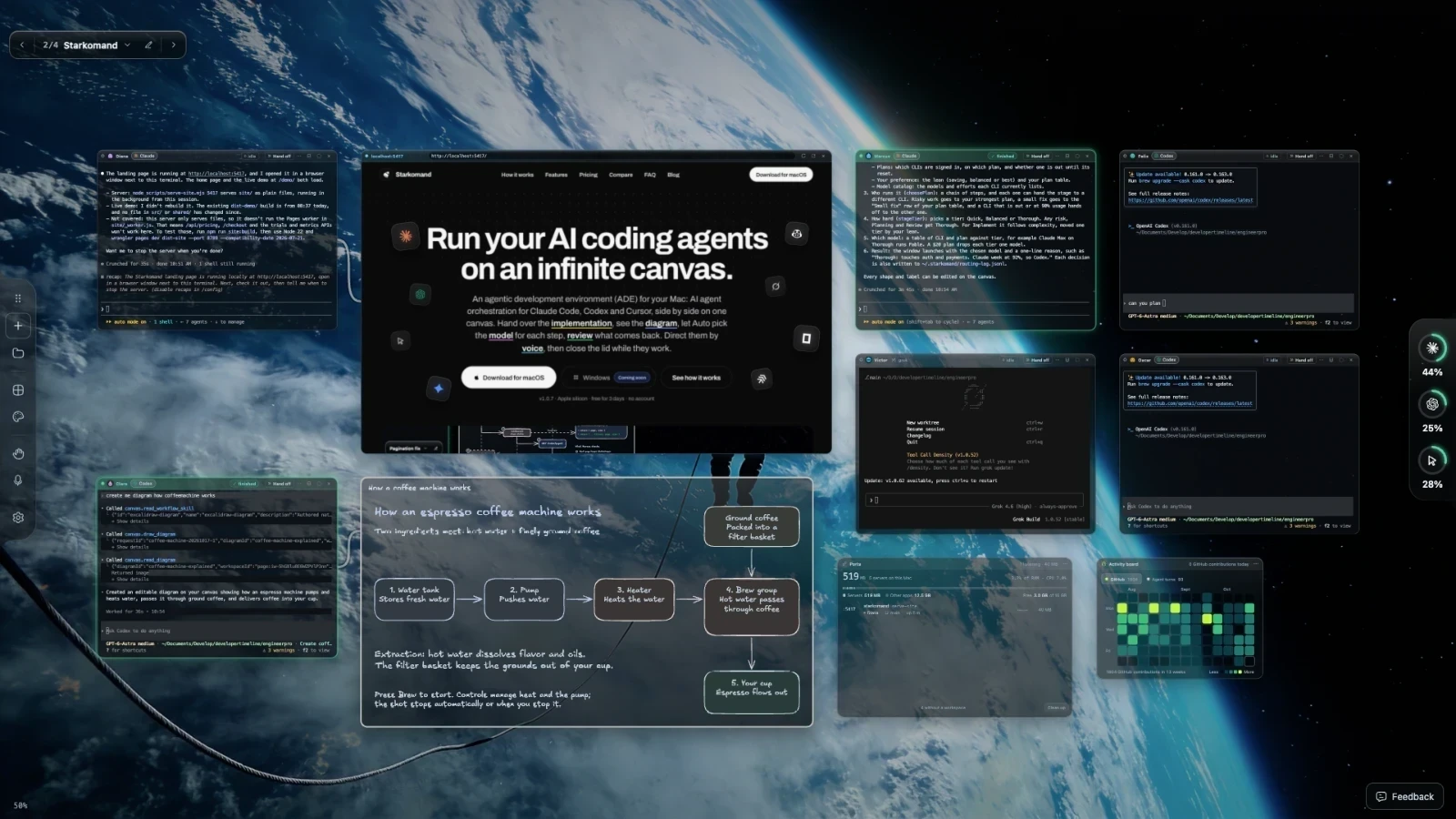
So I built Starkomand, an infinite canvas on your Mac where all your coding agents work side by side.
What you get:
- 🧠 Auto model routing. Each step goes to the right model, and it tells you why. Override any pick in one click.
- 🔁 Handoffs. Pass work from one agent to another with the context carried over. Claude ran out? Continue in Codex.
- 🛡️ File guard. Claude and Codex check before every edit, so parallel agents can't overwrite each other's files.
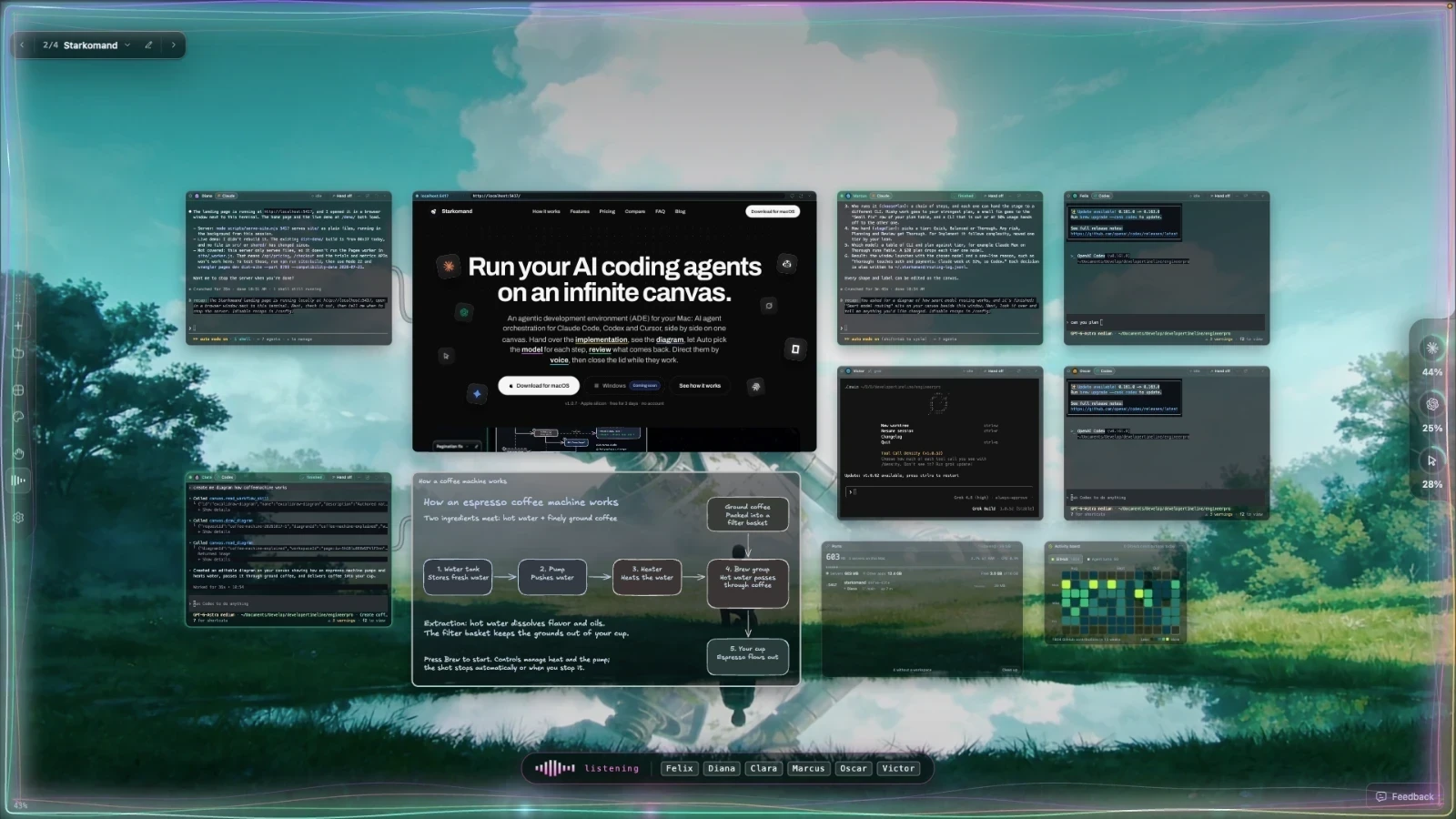
- 🎙️ Voice commands. Hold ⌥ and tell any agent what to do.
- 🔄 Flip a window. Tap Space and every agent turns over: what it worked on, whether it's waiting on you, and the files, servers and pull requests it left.
- 📐 Diagrams. Ask an agent to draw the system, and an editable diagram lands right beside its terminal.
- 🌐 Browser previews. Open what an agent built in a browser window on the canvas.
- ⌨️ Command Keys. Save your own commands and launch them from the canvas.
- 🗂️ Multiple workspaces. Each project keeps its own agents, layout and backdrop.
- ♾️ Persistent agents. Run one in Herdr and it keeps going after you quit the app.
- 💻 Lid closed. Close your MacBook and they keep working.
- 📌 Issues as sticky notes. Pull a GitHub issue onto the canvas and drag it onto an agent. It starts working, and the note stays pinned beside it.
- 💬 Agents message each other. One agent can DM another to ask a question or hand over a finding, even across providers, so Claude can ask Codex directly.
- 📊 Usage meters. See how much each provider plan has left and when it resets. When one plan is close to its limit, Auto hands the next step to another subscription.
- 🎨 Custom live backgrounds. Pick a built-in animated scene or bring your own.
- 🧩 Widgets on the canvas:
- Ports: lists every running dev server by name and which agent started it, flags leaks, and stops the ones you forgot.
- Flight Board: shows all your PRs and their status in one place, with related ones grouped together, on any GitHub account.
It uses the subscriptions you already pay for, so no extra tokens and no API keys. There's no Starkomand account. Your workspace and local dictation stay on your Mac, and your agents talk to their own providers, as they do in any terminal.
Free for 3 days with no card, then a one-time license per Mac with a year of updates. Apple silicon only for now, Windows coming soon.
Looking forward to your feedback!