> Local Music Organizer
A complete macOS toolkit for organizing, diagnosing, analyzing, repairing and converting local music collections.
[ screenshots ]
[ about ]
Local Music Organizer (LMO) is a native macOS application designed for people who have built and maintained large personal music collections over many years. It works alongside Apple's Music.app rather than replacing it, combining library management, diagnostics, metadata maintenance, audio analysis, file conversion and playback in one comprehensive toolkit.
Created by an independent developer and long-time music collector, LMO addresses the problems that accumulate in real-world libraries: missing recordings, broken file references, duplicates, incomplete albums, inconsistent tags, multiple versions of the same music and difficult audio formats.
MUSIC LIBRARY MANAGEMENT
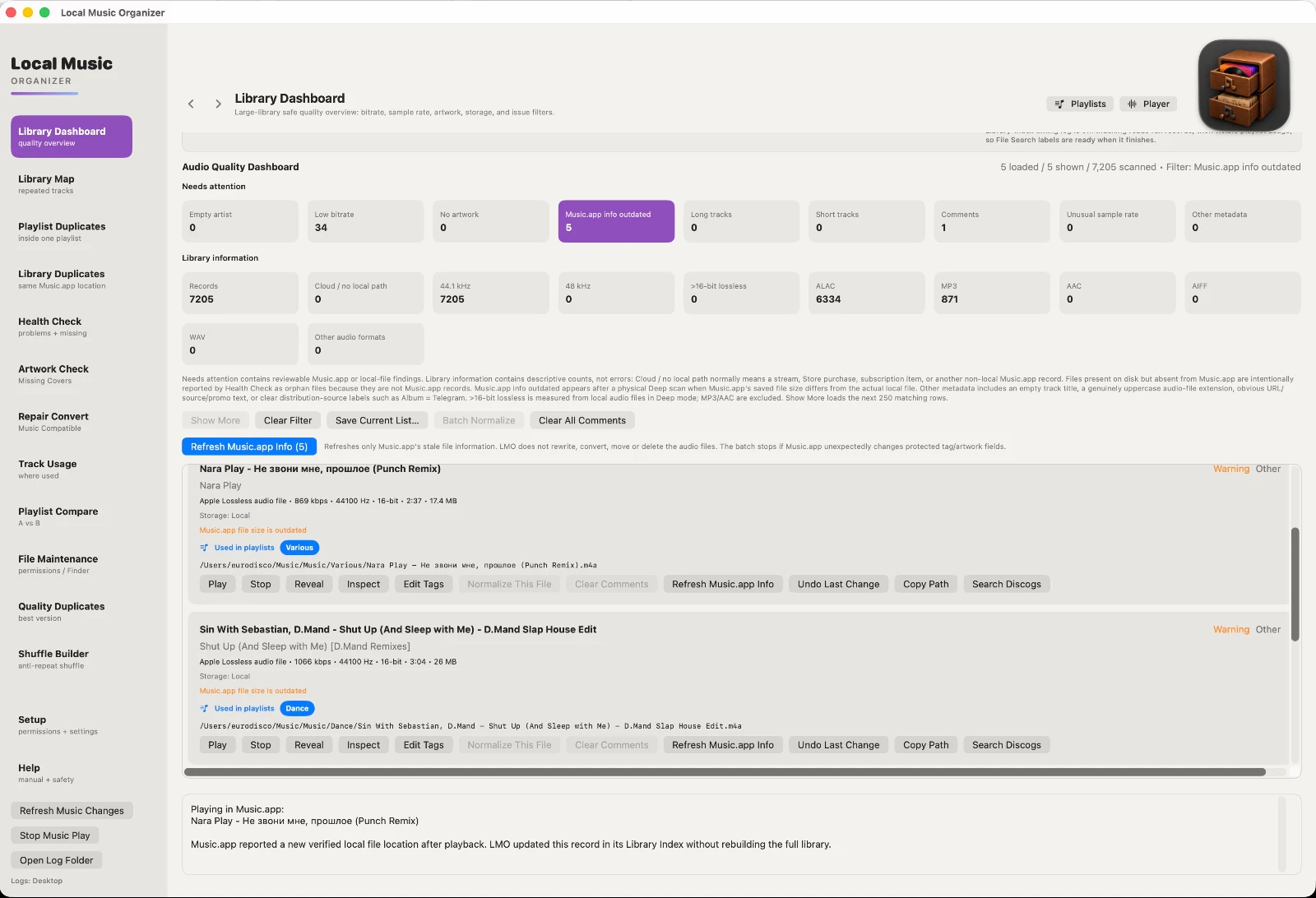
A persistent SQLite Library Index stores track, playlist and file-location information for efficient analysis of large collections. Library Dashboard, Library Map, Track Usage and Playlist Compare help users explore their music, understand playlist relationships, locate files and compare playlist contents. Incremental indexing refreshes changes without unnecessarily rebuilding everything.
HEALTH CHECK AND ALBUM COMPLETENESS
Health Check identifies missing files, broken Music.app references, orphaned recordings and file-location problems. Users can review findings, relink individual recordings or moved folders, and preserve existing Music.app records.
Album Completeness detects missing numbered tracks, incomplete discs and inconsistent track totals. Artwork Check identifies missing album covers, while File Search searches authorized local and external storage.
DUPLICATE DETECTION AND AUDIO COMPARISON
LMO provides three dedicated tools for Playlist Duplicates, Library Duplicates and Quality Duplicates.
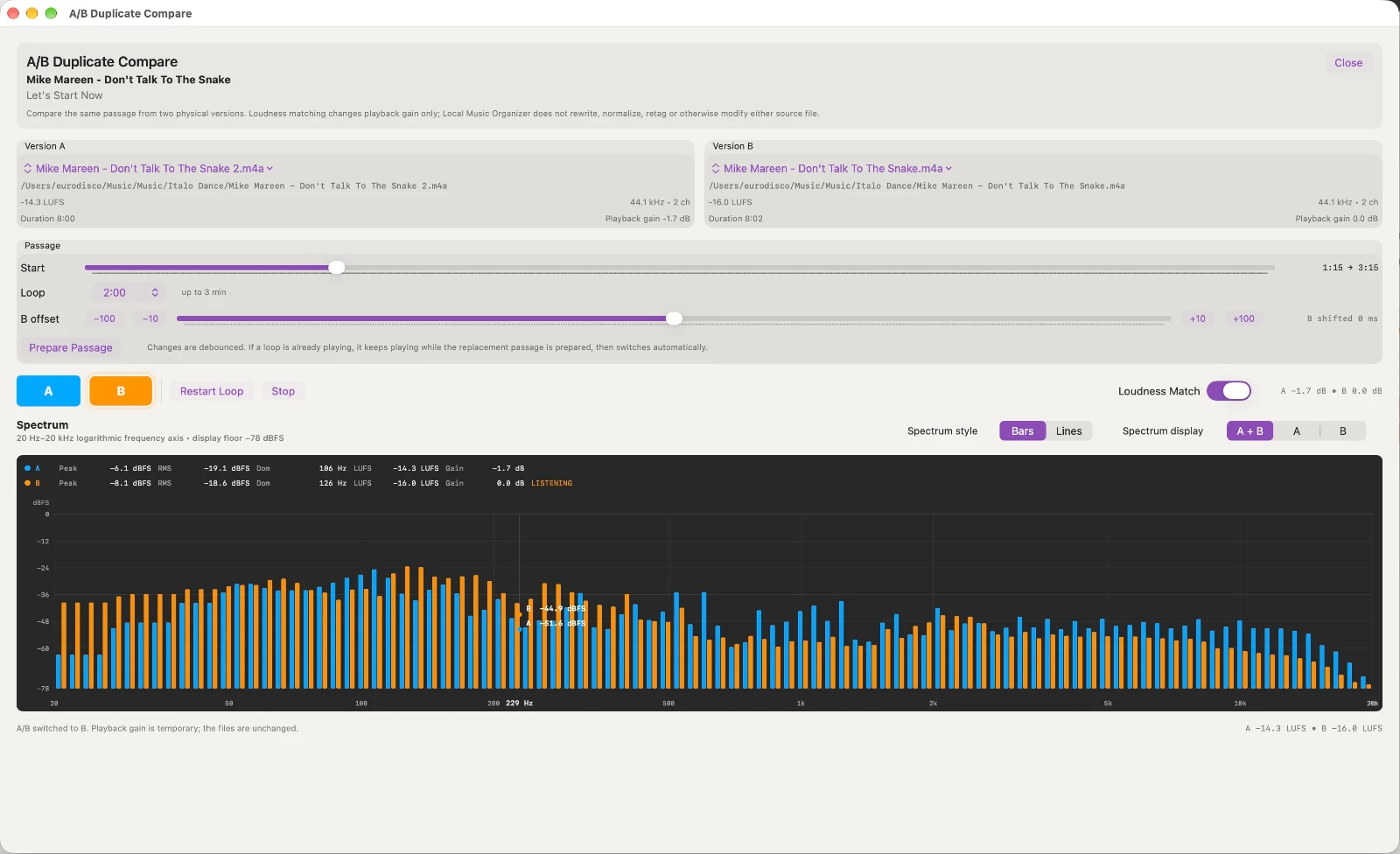
Quality Duplicates supports real-time A/B Audio Compare, allowing listeners to switch instantly between two physical recordings of the same song. Precise passage alignment, temporary playback loudness matching and live spectrum displays help reveal differences between versions without changing either source file.
FILE MAINTENANCE AND METADATA CLEANUP
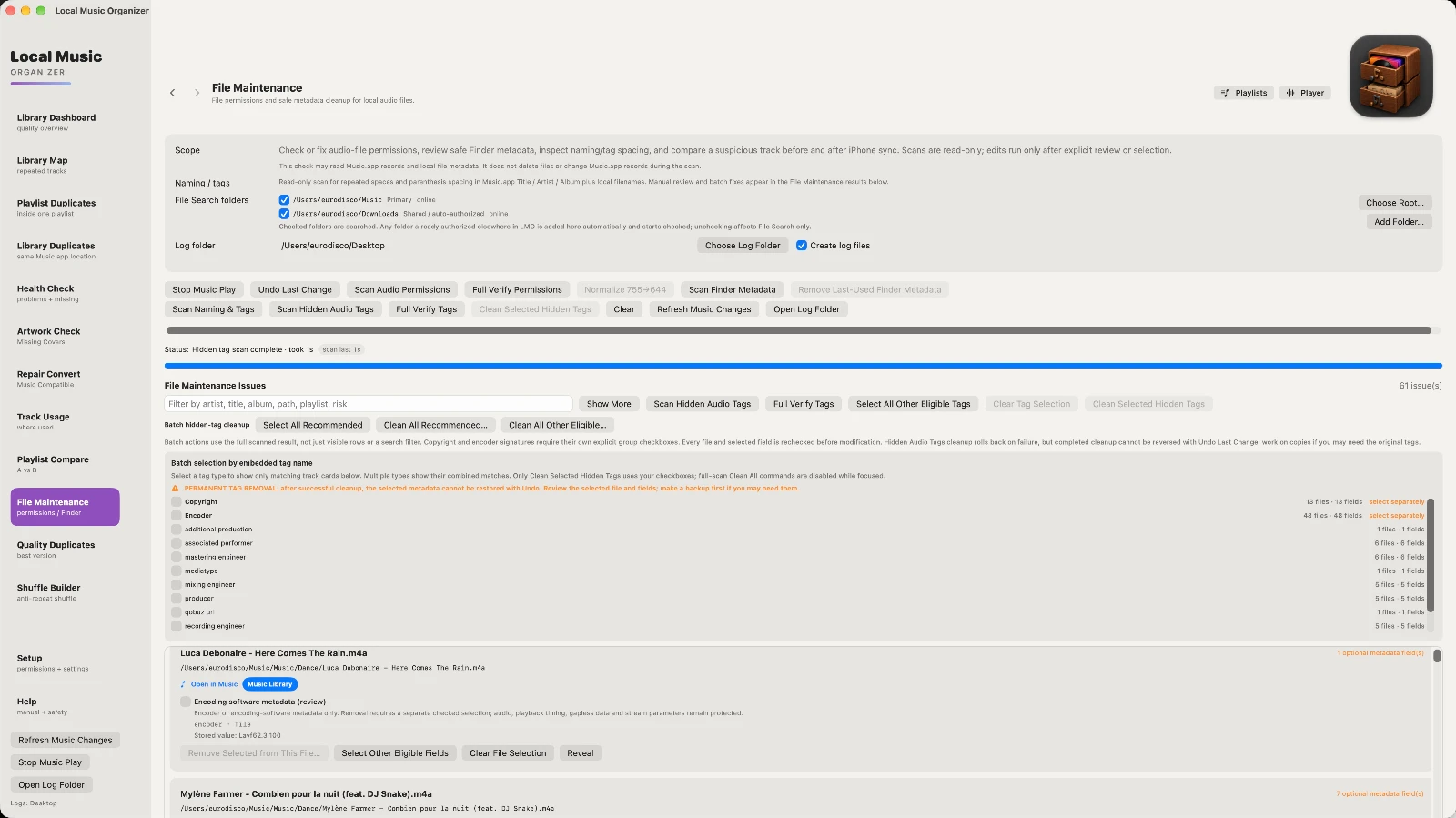
File Maintenance provides separate tools for inspecting permissions, reviewing supported Finder extended attributes, correcting filename formatting and examining hidden audio metadata.
Users can selectively remove supported encoder, downloader, ripper, promotional and editing-history tags from eligible MP3 and M4A files without re-encoding the audio. Operations require explicit review, with verification safeguards and rollback on supported failures.
AUDIO INSPECTOR AND AUTHENTICITY ANALYSIS
Audio Inspector examines codecs, containers, bitrates, sample rates, bit depths, channels and detailed spectrograms.
Audio Authenticity Analyzer evaluates technical indicators of possible lossy-to-lossless transcoding, suspicious high-frequency cutoffs, sample-rate upscaling and other audio-format inconsistencies. Findings are presented as diagnostic evidence for manual review rather than definitive judgments.
ADVANCED AUDIO REPAIR AND CONVERSION
Repair / Convert supports common formats such as FLAC, ALAC, WAV, AIFF, MP3 and AAC, as well as specialist sources including APE, TAK, WavPack, CUE albums, DSF, DFF, DSD and SACD ISO.
Batch processing, compatible metadata preservation, output verification and explicit handling of original files simplify complex conversion workflows. Files can be processed directly without importing them into Music.app.
PLAYLIST TOOLS AND BUILT-IN PLAYERS
Shuffle Builder creates more varied playlists by applying spacing rules for artists, related projects, albums and repeated titles while preserving the original playlists.
Three interchangeable built-in players — ORIGINAL, CLASSIC and GLASS — share one playback engine and provide real-time audio visualization. ORIGINAL offers detailed spectrum analysis and an interactive waveform, CLASSIC recreates a hardware-inspired Hi-Fi interface, and GLASS features customizable 3D spectrum graphics.
PRIVACY AND FILE SAFETY
Music analysis, diagnostics and conversion run locally on the Mac. LMO requires no separate account, cloud library upload or subscription. Read-only diagnostics are kept separate from operations that modify files, and important changes require user decisions.
COMPATIBILITY AND PRICING
Available exclusively through the Mac App Store for macOS 14 or later, supporting Apple Silicon and Intel Macs.
The application includes a full-featured 3-day free trial, followed by a US$29.99 one-time purchase. There are no subscriptions or recurring charges.